title: Watchface Specification
Watchface is the core experience element of smart wearable devices and the most commonly used function of users. The Watchface not only has the time display ability of traditional watches, but also has the function of displaying different kinds of data. The design of the Watchface needs to meet the individual needs of users and match different scenes.

Compose
Time
Hour, minute and second
- Numbers, pointers.
- The display order of the hands is the second hand at the top, the minute hand at the middle layer and the hour hand at the bottom layer.

Morning and Afternoon
- Words
Week
- Picture, pointer, progress.

Day, Month, Year
- Picture, pointer, progress.
- For example, the Watchface displays the year, the year/month/day must be displayed together, and the display does not support separate display of the year.

Lunar
- Text
- Can be configured separately festival/solar coordinates

Sports
Step number
- Icons, pictures, numbers, pointers, progress.
- Step number display: the maximum 5 digits are "00000".
- Target step number display: the maximum number of 5 digits is "00000".

Distance
- Icons, numbers.
- Distance display: the maximum 4 digits are "0.00" and "00.0".

Calorie
- Icons, pictures, numbers, pointers, progress.
- Calorie number display: the maximum 4 digits are "0000".

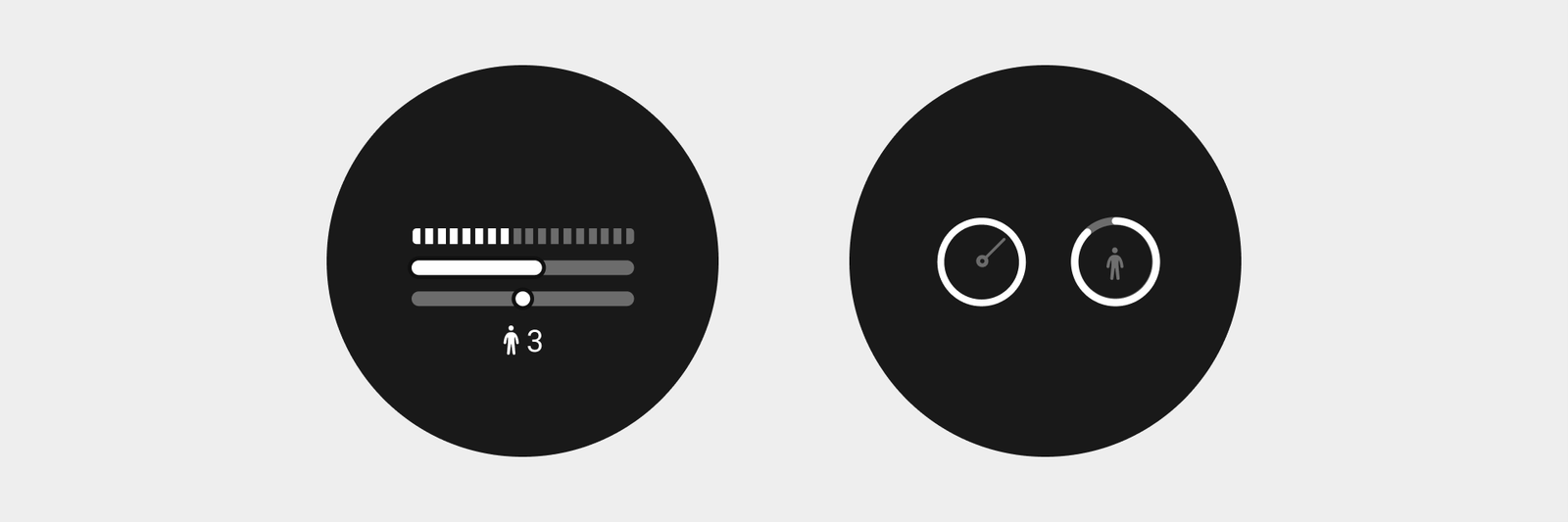
Stand
- Icons, pictures, numbers, pointers, progress.
- Current standing display: Maximum 2 digits "00".
- Standing target display: 12 hours (fixed)
Health
Heart rate
- It consists of icons, pictures, numbers, pointers and progress.
- Number display of heart rate: the maximum 3 digits are "000".

PAI
- Icons, pictures, numbers, pointers, progress.
- PAI digital display (maximum 3 digits "000").

Weather
Temperature
- Icons, pictures, numbers, pointers, progress.
- Real-time temperature display: maximum 5 digits "-000".
- Minimum temperature display: maximum 5 digits "-000".
- Maximum temperature display: maximum 5 digits "-000".

Ultraviolet ray
- Icons, pictures, numbers, pointers, progress.
- Ultraviolet digital display: maximum 2 digits "00".

Humidity
- Icons, pictures, numbers, pointers, progress.
- Digital display of humidity: maximum 4 digits "000%".

Air quality
- Icons, pictures, numbers, pointers, progress.
- Air quality digital display: the maximum 3 digits are "000".
- Air quality cannot be displayed in non-Chinese areas. Replace with humidity.

Sunrise and sunset
- Icons, pictures, numbers, pointers, progress.
- Current time display: maximum 5 digits "00:00".
- Sunrise time display: maximum 5 digits "00:00".
- Sunset time display: maximum 5 digits "00:00"

Moon phase
- Picture
- 7/13/30 pictures of moon phases

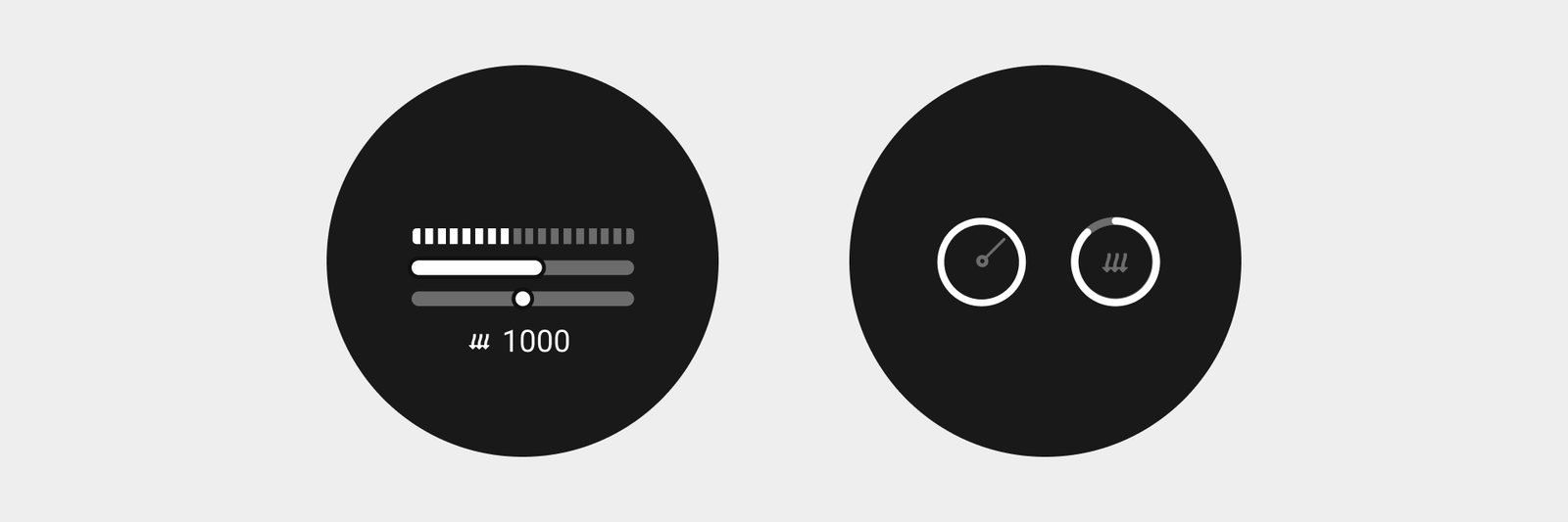
Air pressure
- Icons, pictures, numbers, pointers, progress.
- Air pressure display: maximum 5 digits "00000".
System
Battery
- Icons, pictures, numbers, pointers, progress.
- Number display: the maximum 4 digits are "100%".

System state
- Icon.
- Do not disturb, Bluetooth, lock screen, alarm clock (switch state must be designed).

Safe area
Leave a safe distance of 2px at the edge. And the display areas of status points and offline voice are reserved at the top and bottom, and no important information is placed.

Always-On Display Mode

The Always-On Display Mode refers to that the Watchface can display important information such as time in a limited manner in the screen-rest state, which helps users to obtain information without lifting their wrists. It is an essential mode of a Watchface.
The display of interest screen mode is divided into two categories, which follow the interest screen of the current Watchface and the Watchface that users can choose to set independently; The screen following the current Watchface needs to be designed separately by the Watchface designer. Please refer to the design specification.
Design rule
- Minimize the number of Watchface elements, so that the illuminated pixels do not exceed 10% of the screen.
- Don't use the second hand on the Watchface.
- The background color of the Watchface must be black (#000000) and the main color of the pointer must be white (#FFFFFF).
- Keep the pointer/digital cutting size consistent.
- Because it is necessary to switch between the rest screen and the bright screen, the element movement should be minimized to avoid jumping during switching.
- To ensure recognition, keep the basic time scale (not mandatory).
- Except time, the priority of other elements is: steps > date > weather > electricity > heart rate > others (not mandatory but basically observed).
Pointer processing method
Pointer silhouette/digital silhouette + outer edge black stroke
- Remove the texture parameters such as gradient, highlight, shadow, etc., and keep the silhouette of the pointer/number.
- The black stroke of 1~2px on the outer edge of the pointer is used to distinguish the relationship between the upper and lower layers of the pointer and the relationship between the pointer and the data.
- According to the characteristics of the Watchface, the color of the pointer can be increased, but as little as possible.

White film + outer edge black stroke
- The pointer retains part of the structural light and shadow, and the whole effect is "white film"
- The black stroke of 1~2px on the outer edge of the pointer is used to distinguish the relationship between the upper and lower layers of the pointer and the relationship between the pointer and the data.

Digital processing method
Font stroke or reduce font
- Generally, the figure area of time is large, so the outer contour stroke is adopted, and the stroke width is not less than 2px.
- Stroke color Select white or color with high lightness. When the lighting area is less than 10%, you can not use stroke processing.

Default data
Preview Watchface chart and default data when making Watchface should be input according to the following specifications<br/>
time
- Number/pointer time: 10:09:36 10:09:36 (the angle of the second hand can be chosen by yourself, avoiding the main elements and avoiding occlusion)<br/> Hour: 304 degrees (the hour hand follows the minute change, not the second hand)<br/> Minute: 54 degrees (minute hand does not follow the second change)<br/> Seconds: 216 degrees (as long as the second hand does not make a full turn, the angle can be adjusted at will, and the minute hand does not need to be changed)
- Date: February/August
Health
- Heat: 280kcal, 280 kcal
- Heart rate: 86 beats/min, 86bpm
- Number of steps: 8670steps, 8670 steps
- Distance: 5.30
Weather
- Weather: 22 C/-108 F (unit supports switching between Fahrenheit and Celsius)
- Humidity: 42%
- AQI (Air Quality Index): 26
- UVI (ultraviolet): 4
- Sunrise: 06:30 and sunset: 06:30
Setting
- Electricity: 75%
Week and month abbreviation specification
| type | Case | All capitals | The first letter is capitalized and ends with a dot (.) | Abbreviation 1 | Abbreviation 2 |
|---|---|---|---|---|---|
| week | 1. Monday <br/> 2. Tuesday<br/> 3. Wednesday<br/>4. Thursday<br/>5. Friday<br/>6. Saturday<br/>7. Sunday | 1. MONDAY<br/>2. TUESDAY<br/>3. WEDNESDAY<br/>4. THURSDAY<br/>5. FRIDAY<br/>6. SATURDAY<br/>7. SUNDAY | 1. Mon.<br/>2. Tue./Tues.<br/>3. Wed.<br/>4. Thu./Thur./Thurs.<br/>5. Fri.<br/>6. Sat.<br/>7. Sun. | 1. MON<br/>2. TUE/TUES<br/>3. WED<br/>4. THU/THUR/THURS<br/>5. FRI<br/>6. SAT<br/>7. SUN | 1. Mo.<br/>2. Tu.<br/>3. We.<br/>4. Th.<br/>5. Fr.<br/>6. Sa.<br/>7. Su. |
| month | 1. January<br/>2. February<br/>3. March<br/>4. April<br/>5. May<br/>6. June<br/>7. July<br/>8. August<br/>9. September<br/>10. October<br/>11. November<br/>12. December | 1. JANUARY<br/>2. FEBRUARY<br/>3. MARCH<br/>4. APRIL<br/>5. MAY<br/>6. JUNE<br/>7. JULY<br/>8. AUGUST<br/>9. SEPTEMBER<br/>10. OCTOBER<br/>11. NOVEMBER<br/>12. DECEMBER | 1. Jan.<br/>2. Feb.<br/>3. Mar.<br/>4. Apr.<br/>5. May<br/>6. Jun.<br/>7. Jul.<br/>8. Aug.<br/>9. Sep./Sept.<br/>10. Oct.<br/>11. Nov.<br/>12. Dec. | 1. JAN<br/>2. FEB<br/>3. MAR<br/>4. APR<br/>5. MAY<br/>6. JUN<br/>7. JUL<br/>8. AUG<br/>9. SEP/SEPT<br/>10. OCT<br/>11. NOV<br/>12. DEC | 无 |
Naming rule
Continuous elements must end with 0~9 to ensure correct reading and writing.
Basic data
| type | name | explain |
|---|---|---|
| time | time_# ( "#" 序列 0~9) | When the digital font style of the time/minute/second is the same, it shall be named uniformly. |
| hour_#,minute_#,second_# | When/min/sec digital font styles are different, they are named separately. | |
| pointer | hour,minute,second | When the time/minute/second is the pointer style, it is named separately. |
| number | font_#_(0~9) | E.g "font_power_1", |
| empty data " - - " | #_invalid | E.g "heart_invalid" |
| separator " / " | slash | Commonly used for date and temperature division, E.g "12/04" |
| separator " - " | negative | Commonly used for date division, temperature, E.g "12-04" |
| separator " : " | colon | Commonly used in time division,E.g "10:09" |
| separator " . " | dot | Commonly used in time record segmentation, fE.g "30.27" |
| separator " % " | percent | Commonly used percentage of electricity consumption, E.g "00%" |
| morning | am_# | |
| afternoon | pm_# | |
| month | month_#_(jan~dec) | |
| year | year_# | |
| background | bg | |
| linear progress | #_line | |
| circular progress | #_circle | |
| custom progress | #stage(0~10) | |
| application preview picture | preview_# | "#" language classification, Simplified (sc), Traditional (tc), English (en) |
| watch preview | preview_# | "#" language classification, Simplified (sc), Traditional (tc), English (en) |
Type data
| type | name | explain | custom progress | maximum digit |
|---|---|---|---|---|
| heart rate | heart | Section 6 | 3 bits(000) | |
| calorie | calorie | Section 10 | 4 bits(0000) | |
| pai | pai | Section 10 | 3 bits(000) | |
| step | step | Section 10 | 5 bits(00000) | |
| distance | distance | 5 bits(00000) | ||
| weather | Cloudy: 0<br/>Shower: 1<br/>Snow shower: 2<br/>Sunny: 3<br/>Overcast: 4<br/>Light rain: 5<br/>Light snow: 6<br/>Moderate rain: 7<br/>Moderate snow: 8<br/>Heavy snow: 9<br/>Heavy rain: 10<br/>Sandstorm: 11<br/>Sleet: 12<br/>Fog: 13<br/>Haze: 14<br/>Thundershower: 15<br/>Snowstorm: 16<br/>Dust: 17<br/>Extraordinary rainstorm: 18<br/>Rain with hail: 19<br/>Thundershowers with hail: 20<br/>Heavy rainstorm: 21<br/>Sand blowing: 22<br/>Strong sandstorm: 23<br/>Rainstorm: 24<br/>Unknown weather: 25<br/>Cloudy at night: 26<br/>Shower at night: 27<br/>Clear night: 28 | The picture must correspond to the number. | ||
| temperature | temperature | Section 10 | 3 bits(000) | |
| humidity | humidity | Section 10 | 3 bits(000) | |
| ultraviolet ray | uvi | Section 10 | 2 bits(00) | |
| air quality | aqi | Section 10 | 3 bits(000) | |
| sunrise | sunrise | |||
| sunset | sunset | |||
| battery | power | Section 10 | 3 bits(000) | |
| Bluetooth | connect/disconnect | |||
| lock Screen | lock / unlock | |||
| alarm clock | clock / unclock | |||
| dnd | DNDoff / DNDopen |
Graph cutting specification
Element
- The size of the tangent graph of the same kind of elements remains the same, and the safe distance is kept at least 2px.
- Pointer: The width of pointer cutout must be odd and the height is unlimited. The width and height of the red color block is the rotation center point of the pointer.

Preview Picture
Each Watchface must provide a preview Picture.<br/>
| Device resolution | Thumbnail size |
|---|---|
| 480*480 | 324*324 |
| 454*454 | 306*306 |
| 416*416 | 280*280 |
| 390*450 | 266*306 |
| 402*476 | 273*316 |
| 302*320 | 202*214 |
| 306*354 | 210*242 |